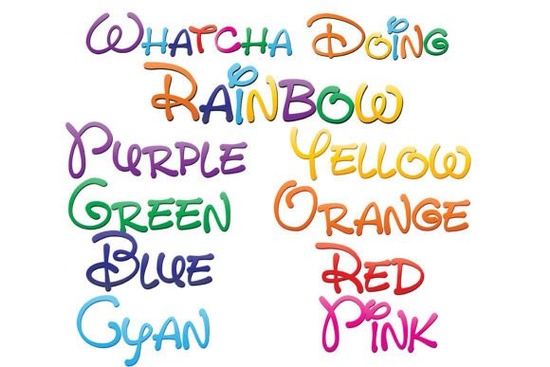
Designers, crafters, and small business owners looking for a unique way to add personality to their projects might find the Whatcha Doing Font to be an exciting addition to their creative toolkit. This set of nine full-color fonts offers a whimsical, hand-written style that stands out with its vibrant gradient of eight rainbow colors and a ninth font that combines all of them. Whether you're working on a logo, a greeting card, or a social media post, these fonts bring a playful energy to any design.
The Whatcha Doing Font is available as OpenType (SVG) color fonts, which means they can be installed like regular .otf files. On a Mac, this typically involves using Font Book, while Windows users may use a font manager or the Control Panel. It’s important to note that color fonts will appear in black in programs that don’t support SVG color fonts. However, once you type into a document using a compatible program, the colors should display correctly. Adobe products, Silhouette Studio, Quark, and Inkscape are among the software that currently support these full-color SVG fonts.
One of the main advantages of SVG color fonts is that they’re vector-based, meaning they can be scaled to any size without losing quality. This makes them ideal for both digital and print projects. The variety of colors and styles included in the Whatcha Doing Font allows for creative flexibility, whether you're designing something simple or more complex. For example, you could use one of the rainbow gradients for a fun birthday invitation or combine multiple fonts for a dynamic text layout.
How do I install the Whatcha Doing Font?
Installing the Whatcha Doing Font is straightforward if you're familiar with adding fonts to your system. Once downloaded, you can double-click the font file and choose “Install” on a Mac, or use a font manager on Windows. After installation, the fonts should appear in your design software. If you’re unsure whether your software supports color fonts, try typing a few letters and checking if the colors show up. If they don’t, you may need to update your software or use a different program that supports SVG fonts.
What types of projects work best with the Whatcha Doing Font?
This font is especially well-suited for projects that benefit from a hand-crafted, colorful look. Print-on-demand sellers might use it for t-shirts, mugs, or posters with eye-catching text. Small businesses could incorporate it into branding materials, such as logos or social media graphics. For hobbyists, the Whatcha Doing Font adds a personal touch to handmade cards, scrapbooks, or digital art. Its versatility makes it a valuable resource for anyone looking to express creativity through typography.
- Handwritten-style text for a personal or playful feel
- Gradient colors that add visual interest
- Vector-based design for scalability
- Compatibility with major design software
If you're interested in exploring other fonts with similar styles, you can check out the Whatcha Doing Font on Creative Fabrica. This platform offers a wide range of fonts, illustrations, and design elements that cater to various creative needs.
Tip: Test the font in different programs
Before using the Whatcha Doing Font in a final project, test it in a few different design programs to ensure compatibility. Some applications may not support color fonts, so it's helpful to know which ones work best. You can also experiment with different sizes and layouts to see how the font performs in various contexts.
Whether you're a designer, a crafter, or a small business owner, the Whatcha Doing Font provides a fresh and colorful way to enhance your creative work. With its unique blend of style and functionality, it's a great choice for anyone looking to add a little extra flair to their designs.
Checklist: - Install the font on your computer - Test it in your preferred design software - Experiment with different color combinations - Use it in a real project to see the results - Explore other fonts on Creative Fabrica for more options
Download Now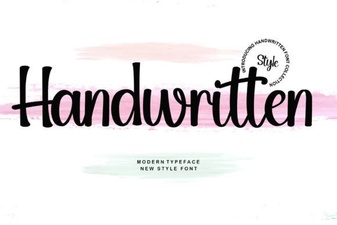 Handwritten Font for Creative Projects
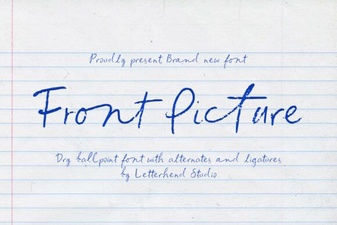 Front Picture Font Design Trends 2024
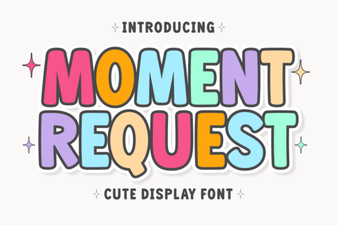 Moment Request Font for Unique Design Projects
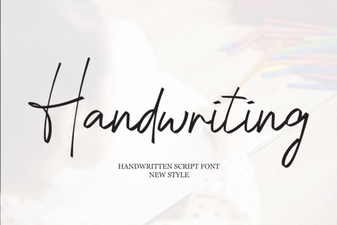 Best Handwriting Fonts for Creative Projects and Designers
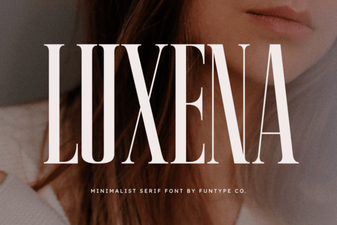 Luxena Font Design Trends and Creative Uses
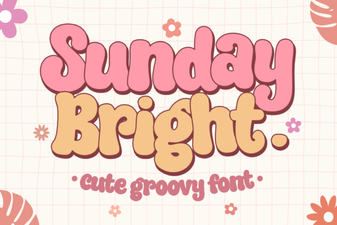 Sunday Bright Font Design Trends and Creative Uses